
Choosing the Right Simulation Technology for Enterprise Training
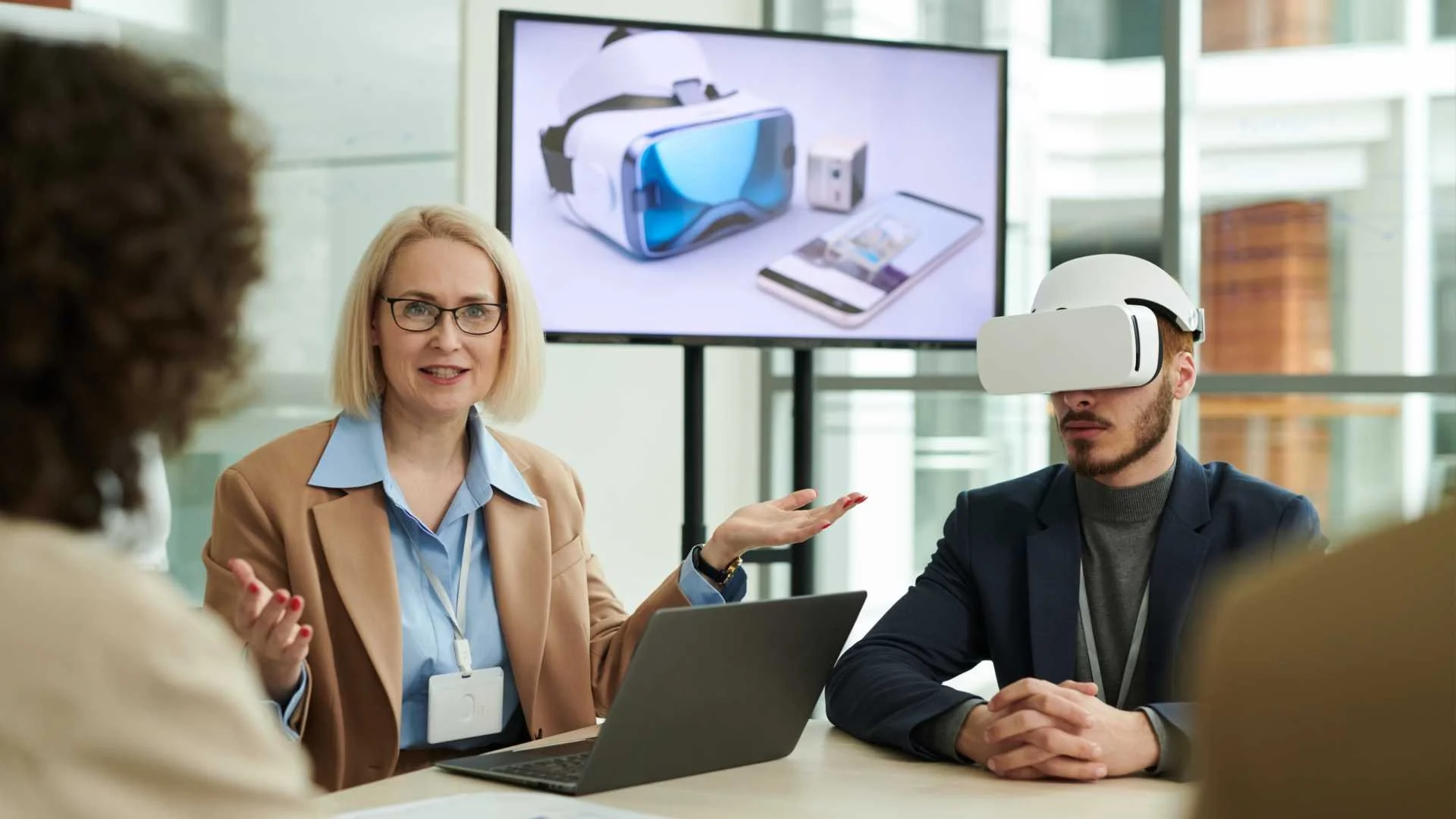
Simulation is no longer a single technology category. Today’s enterprise training environments may include Virtual Reality (VR), Augmented Reality (AR), Mixed Reality (MR), browser-based 3D simulators, and increasingly, Digital Twins.
The real challenge for organizations isn’t deciding whether to use simulation, it’s knowing when each approach is the right fit.
Virtual Reality (VR): Full Immersion for High-Risk Scenarios
Where VR Excels
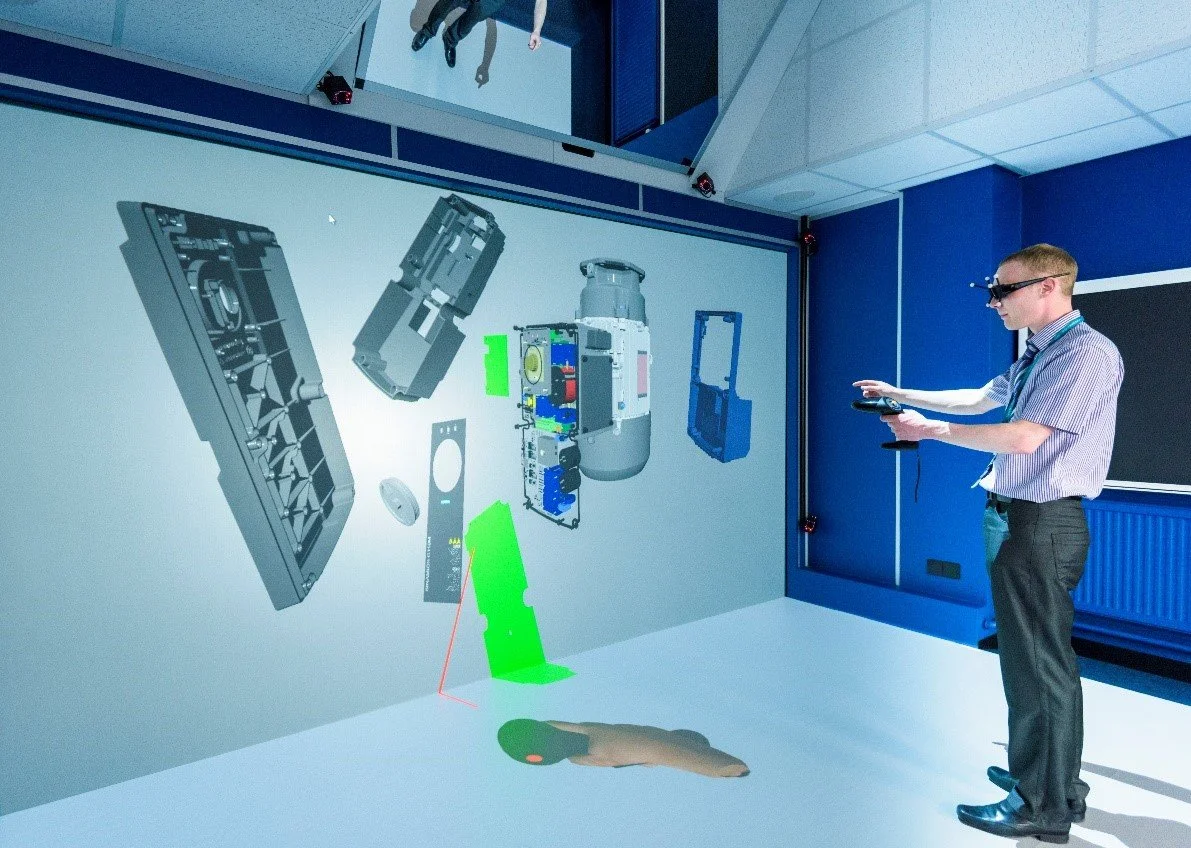
VR is best suited for scenarios where full immersion is essential and real-world exposure would be unsafe or impractical.
Common enterprise use cases
Rare but high-risk safety scenarios
Emergency response training
Hazardous or confined environment simulations
VR allows learners to experience spatial awareness, stress, and consequence in a controlled environment.
Considerations
Hardware and device management
Scheduling and shared access
IT security and network approvals
Best fit: When immersion is critical and training volume is limited.
Augmented Reality (AR): Real-Time, In-Context Guidance
Where AR Excels
AR overlays digital information onto the physical world, making it effective for on-the-job performance support.
Typical use cases
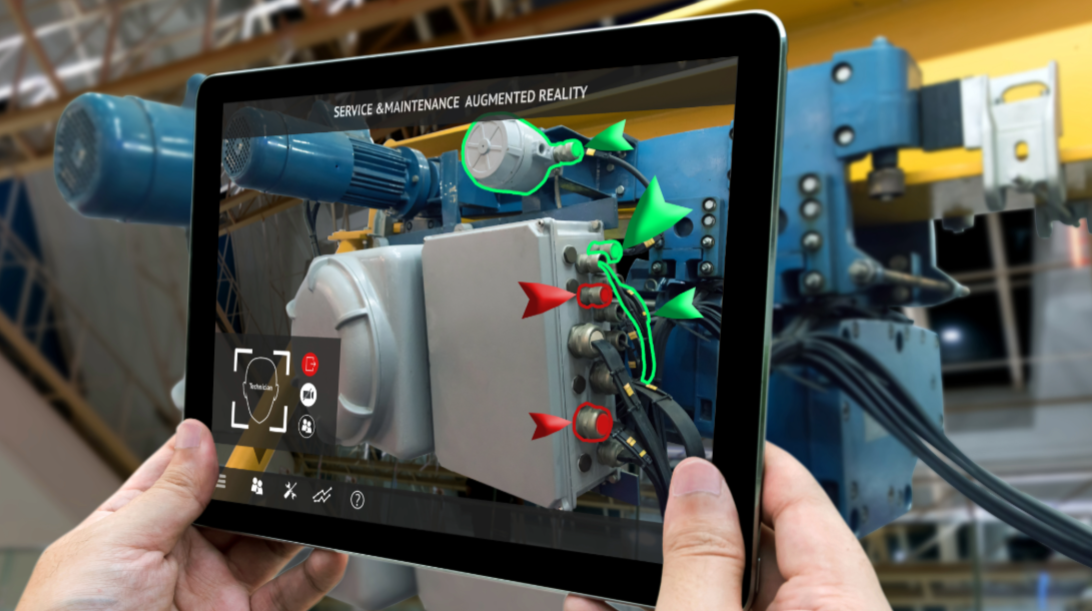
Guided maintenance and repair
Field service and inspections
Procedural task reinforcement
AR enhances real work rather than replacing it.
Considerations
Device compatibility
Environmental constraints (lighting, safety)
Content accuracy and ongoing maintenance
Best fit: Just-in-time guidance rather than full training replacement.
Mixed Reality (MR): Interactive Learning in Physical Spaces
Where MR Excels
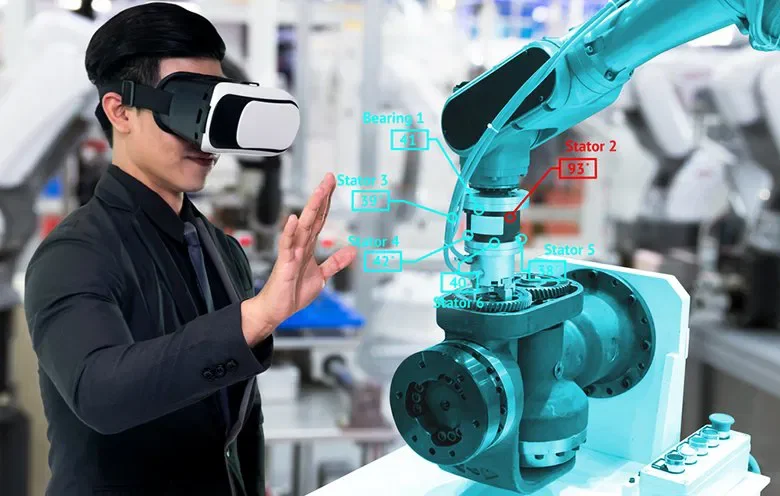
MR blends physical and digital environments, allowing users to interact with both simultaneously.
Common use cases
Equipment familiarization
Collaborative training sessions
Spatial understanding of complex systems
Considerations
Advanced hardware requirements
Higher cost per user
Limited scalability across large workforces
Best fit: Specialized training environments and centers of excellence.
Browser-Based 3D Simulators: Scale, Consistency, and Access
Where Browser-Based Excels
Browser-based simulators focus on repeatable, accessible learning at scale, without requiring headsets, proprietary hardware, or specialized environments.
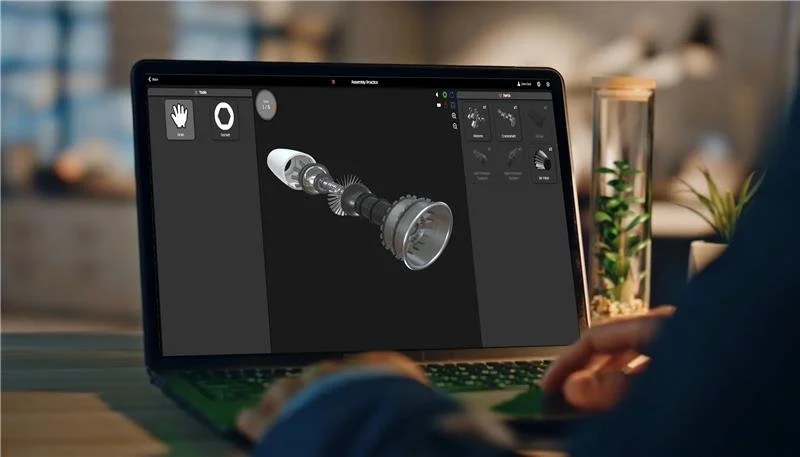
These simulators run directly in a standard web browser and are accessed on devices employees already use:
Laptops and desktops
Tablets
Secure enterprise networks
Well-suited for
Procedural and workflow training
Equipment operation and maintenance
Safety and compliance reinforcement
New-hire onboarding and cross-training
Because training happens on familiar devices, browser-based simulators fit naturally into daily operations and existing IT ecosystems.
Considerations
Lower sensory immersion compared to VR
Best suited for accuracy, repetition, and consistency
Best fit: Large, distributed workforces and frequent training needs.
Digital Twin Simulations: System Behavior and Operational Insight
Digital twins are virtual representations of physical assets or systems, often connected to real-world data.
Common applications
System behavior modeling
Predictive maintenance scenarios
Operational and “what-if” analysis
Advanced system-level training
Digital twins help organizations understand how systems behave, not just how tasks are performed.
Key consideration:
Digital twins are powerful tools, but they are typically complements to training simulators, not replacements.
Why Enterprise Training Strategies Combine Technologies
Leading organizations rarely rely on a single simulation approach. Instead, they build blended strategies aligned to risk, scale, and frequency.
A common enterprise model
Browser-based simulators for foundational, scalable training
VR for high-risk or high-impact scenarios
AR for in-field guidance and reinforcement
MR for collaborative or spatial learning
Digital twins for system-level insight and advanced modeling
Each technology plays a role, no single platform does everything well.
Choosing the Right Technology Starts With the Right Questions
Instead of asking “Which simulation technology is best?”, enterprise leaders should ask:
How many people need access?
How often will training be used?
What level of risk is involved?
Where will training take place?
What IT, security, and compliance requirements apply?
In most cases, the answers point to a blended solution, not a single technology.
Final Thought
Simulation technology is most effective when it serves the learning objective, not the other way around.
VR, AR, MR, browser-based simulators, and digital twins all have a place in enterprise training. The key is understanding when to use each, and how to combine them intentionally.
Organizations that take a use-case-driven approach will see stronger adoption, better outcomes, and greater long-term value from their training investments.